


CLOUD BACKUP · SOUTH WALES
Backup is only real once you have restored it
Backup for servers, computers and Microsoft 365 for businesses across Bridgend, Cardiff, Swansea, Newport and the rest of South Wales, with scheduled test restores we actually run and write down.
- Restores performed, not assumed
- Priced on what you keep
- 30 day contract
Trusted by businesses across South Wales

























Pricing
What it costs
Backup is the one thing on this site we cannot put a single number on, because the cost follows how much there is and how far back you need to go. So here is the working instead, rather than a figure that would be wrong for half the people reading it.
- Restores actually performed, on a schedule, and written down
- Checked by a person every working day
- Held away from your network, where ransomware cannot reach it
- A recovery plan in writing, with real timings in it
About £80 a month
That is our minimum of £25 a month. Under about a terabyte the price follows how many machines and mailboxes we are protecting rather than how much data there is, so the sliders stop making a difference down here.
Excluding VAT, and including the restore testing, the daily check and the recovery plan. It is an estimate rather than a quote: the figure is fixed once we have seen what you actually hold.
Get this confirmedThe day to day
What is included
Everything below is in the price. Anything that is not is listed further down, before you have to ask.
Servers, whole
Not just the files. The machine, its settings and what it runs, so recovery means a working server rather than a folder of documents and a long weekend.
Computers that hold work
Laptops and desktops where things live locally, which is most of them whatever anyone intended.
Microsoft 365, if it is not already
Mail, SharePoint, OneDrive and Teams. Included already if we manage your 365; this is for anyone who does not.
Held away from the original
A copy somewhere an attacker who gets into your network cannot reach, because backup on the same network is a second copy of the problem.
Restores actually performed
On a schedule, with real data pulled back and the result written down. This is the line almost nobody else on this page will match.
Checked every working day
Someone looks. A backup that failed quietly three weeks ago is the normal way this goes wrong.
A retention you choose
How far back you can go, agreed up front rather than discovered when you need six months ago and have four weeks.
A recovery plan in writing
What gets restored first, how long each part takes, and who does what. Short enough that somebody would actually read it.
What actually happens
Three ways data goes, and none is a fire
Businesses buy backup imagining a flood or a fire. In eleven years we have restored from those almost never. These are what actually happens, in the order we see them.
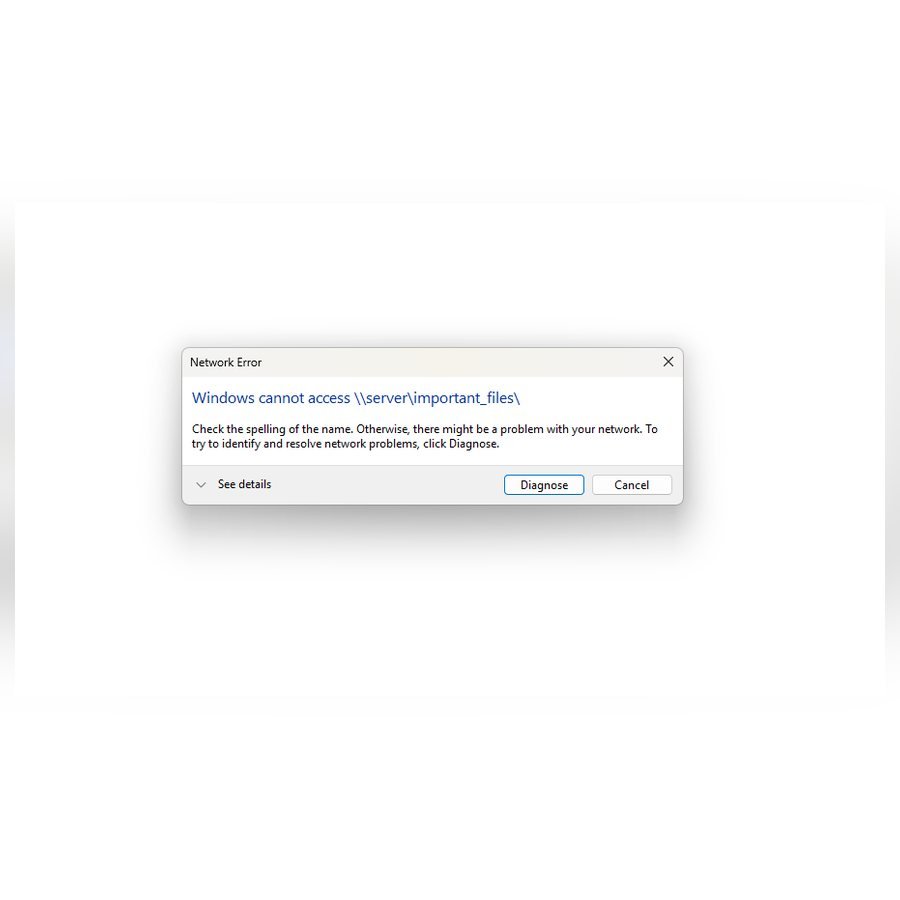
Somebody deletes it
And notices in March that it went in January. The question is never whether you have a backup, it is how far back it goes. Most businesses find out their answer is thirty days at precisely the wrong moment.

An attacker encrypts it
Ransomware looks for backups first, because a company that can restore does not pay. A backup on the same network, on a drive the server can see, is not a backup. It is the second thing encrypted.

It leaves with somebody
An account is closed on a Friday and everything in it goes too. Years of a department's work can sit in one person's mailbox and nobody realises until the account is gone.
None of those three is dramatic, which is exactly why they are not planned for. The fire gets the insurance conversation and the deleted folder gets the shrug.
The distinction that matters
Backed up, and recoverable, are not the same thing
Almost every business we take on already has a backup. The difference is whether anyone has ever asked it to give something back.
| What most people have | What you get here | |
|---|---|---|
| Proof it works | An email saying the job finished | A real file pulled back and opened |
| Who checks it | Nobody opens the email | A person, every working day |
| When you find out it failed | On the day you need it | The morning it happens |
| Where the copy sits | Often on the same network | Away from your network, out of reach |
| How far back it goes | Thirty days, usually by accident | However far back you chose |
| What you can say out loud | "We have a backup" | "It takes about four hours" |
None of this is a criticism of backup software, which is usually fine. A backup is a claim until somebody tests it, and the testing is the part that costs money and gets skipped.
The failures we inherit are rarely a backup nobody set up. They are a backup that stopped working eleven weeks ago and said so into an inbox nobody reads.
The day you need it
What actually happens when you ring
Worth knowing before you need it, because this is the part a price list never tells you.
You tell us what is missing
A file, a mailbox, a folder, a whole server. We do not need you to know when it went, only roughly.
We find the most recent good copy
Which is why retention matters. If it went in January and you keep thirty days, there is nothing to find and no amount of urgency changes that.
Small things come back the same day
A file or a mailbox is usually back within the hour, and nobody else in the business needs to know it happened.
A whole server is a plan, not a click
It takes as long as it takes, which depends on how much there is and how fast your connection is. We will have told you that number before you needed it, and it is in your recovery plan.
Being straight about it
Who this suits, and who it does not
It suits a business with a server, or with work that lives on people's machines, or with a regulator who will eventually ask how far back you can go. That is most firms of five to fifty staff.
If we already manage your Microsoft 365, backup of it is in that price and you do not need this as well. We would rather say so than sell you the same thing twice. This page is for the servers and the computers, or for a business whose 365 we do not touch.
If everything you have is in Microsoft 365, nobody has left in years and you could lose a month without it mattering, you may genuinely not need us. We will tell you that at the audit rather than after you have signed.

Certified, not just recommending it
We hold Cyber Essentials ourselves
It would be a strange thing to sell and not hold. We take clients through the same certification, start to finish.
Questions
Cloud backup, answered
How much does it cost?
It is quoted rather than listed, which is the one place on this site we do not publish a figure. Backup cost is driven by how much you keep and how far back you need to go, and both vary enormously between two businesses of the same size. We look first, then give you a fixed monthly number rather than a range that moves later.
How far back can we go?
As far as you choose and pay for. Thirty days is the common default and it is the one that catches people out, because the deletion nobody noticed is almost always older than that. For most businesses a year is the sensible answer and for anyone with a regulator it is usually longer.
Do you test the backups, or just check they ran?
We restore from them. On a schedule, with real data, and we write down what came back and how long it took. A job reporting success proves the job ran, not that the data inside it is any good, and the difference only shows up on the day it matters.
We are already on your Microsoft 365 plan. Do we need this too?
For 365 itself, no. Backup of mail, SharePoint, OneDrive and Teams is already inside Microsoft 365 and backup and buying it twice would be our mistake, not yours. You would want this for servers, for computers that hold work locally, or for anything else outside 365.
What happens if we get ransomware?
The copy we hold is kept away from your network, so an attacker who gets into your systems cannot reach it to encrypt or delete it. That is the entire point of holding it elsewhere, and it is the difference between a bad fortnight and a conversation about whether to pay.
How long would it take to get a whole server back?
It depends on how much there is and how fast your internet is, and we work that number out with you before you need it rather than after. It goes in your recovery plan in hours, not in reassurances.
Can we get something back ourselves without ringing you?
For most things, yes, and we will set that up if you want it. Plenty of businesses would rather ring, which is fine too and costs nothing extra.
Services that go with this
We cover South Wales from Pembroke and Narberth in the west to Newport in the east, and from Barry up to Brecon. On-site visits are included on the Professional and Advanced support plans, and quoted before we travel on Essential. See the towns we cover
A free review, and an honest answer
An hour of our time, on site. You get a written list of what is fine, what is risky and what is costing you money. If everything is healthy, we will tell you that and leave you to it.